It's late. You're pulling into the driveway after a long day — maybe it's dark, maybe you're tired, maybe you're just ready to be home. And before you even get to the door, the lights are already on.
You didn't flip a switch. You didn't open an app. Your home just knew you were close and got ready for you.
That feeling — that small, quiet moment of a house that's already waiting — is hard to explain until you've had it. It's not a party trick. It's not something you show off. It just feels right. And once you have it, coming home to a dark house feels like something's missing.
That's where this post starts. But it doesn't end there.
The Home That Knows You're Coming
Smart home devices can be set to respond to your location. When your phone gets close enough to home, things happen — lights come on, the thermostat adjusts, the garage door opens. When you leave, things turn off. The HVAC backs off. The house goes into away mode without you having to think about it.
No manual triggers. No remembering to hit a button. The home reads the situation and responds.
Front porch light on. Living room at a comfortable temperature. All of it waiting — because your phone told your home you were almost there.
Thermostat backs off. Lights check off. Locks confirm closed. The house buttoned up — not because you remembered to do it, but because you left.
For most people this is a convenience. A nice-to-have. For others, it's the difference between a home that works for them and one that doesn't. We'll dig into exactly how this works — the technology behind it — in the next post. For now, just know that it exists, it works, and it's not complicated to set up.
When the Alert Actually Matters
One summer afternoon, I was nowhere near my house. The cats were home — just the cats. No people, no one checking in, just two animals and a thermostat doing its thing.
Except something happened. The AC shut off. I don't know exactly why — maybe a hiccup, maybe a breaker, maybe just one of those things. Whatever it was, nobody was home to notice.
But my Ecobee noticed. I had it set to send me an alert if the temperature climbed above 78 degrees, and that's exactly what it did. My phone buzzed, I opened the app, saw what happened, and turned the AC back on — from wherever I was, in about thirty seconds.
The cats were fine. The house never got uncomfortable. I didn't come home to a problem.
Now — if I hadn't had that alert configured? I'd have walked in to a hot house, two unhappy cats, and no idea how long it had been running warm. That's the version of the story most people live, because most people don't have a thermostat that texts them when something's off.
Smart smoke detectors work the same way. If something triggers while you're at work, at the store, or on vacation — you find out immediately. Not when you pull into the driveway and see something you can't fix. Right now, wherever you are, so you can actually do something about it.
Seeing the Doorbell
My mom and stepfather are deaf. For a while, when they first moved to Florida, they were staying with me. And one of the first things I realized was that a doorbell — the sound of it — means nothing to them.
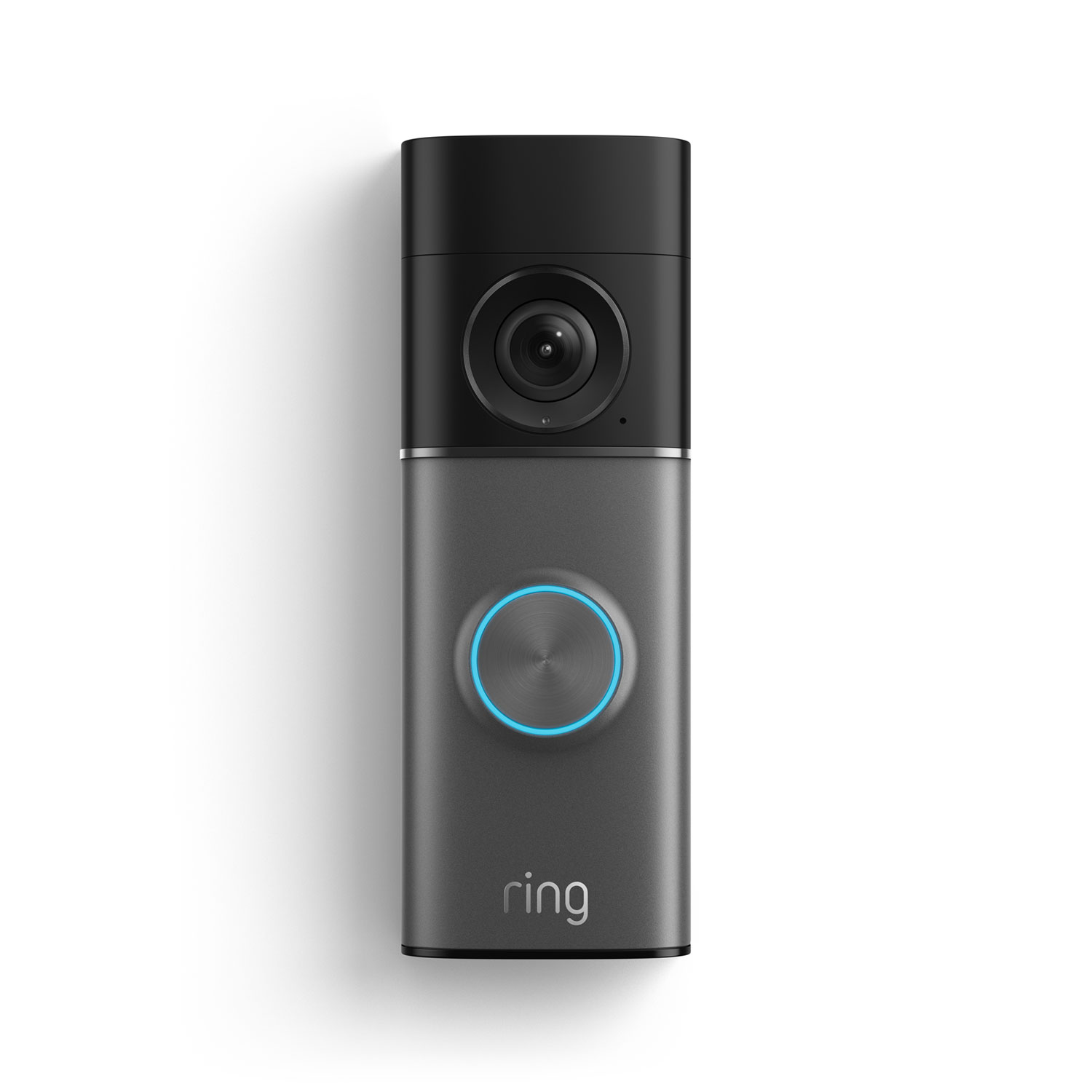
So I set it up so that when someone rings the doorbell, certain lights in the house flash. Not an alarm, not something jarring — just a quick visual signal that someone's at the door.
It sounds like a small thing. But think about what it actually is: independence. Awareness. Not having to wait for someone else to tell you someone's there. Not missing a delivery, a neighbor, a visitor. Just knowing — the same way anyone else in the house would know — because the home found a way to communicate in a language that works for you.
That's not a luxury feature. That's accessibility. And it took maybe twenty minutes to configure.
She Fell. And She Could Get Help.
There's an old commercial everyone of a certain age remembers. The woman on the floor. The line that became a cultural punchline for a generation.
But the situation it describes is completely real, and it happens every day. An elderly person living alone falls. Can't reach the phone. Can't get up. Just needs someone to know.
A voice assistant changes that math — but only if it's been set up first. That part is important and worth saying clearly: the device has to be there, it has to be connected, and the right settings have to be in place before you need them. None of this works in the moment if nobody did the five minutes of configuration beforehand.
If your Amazon Echo is linked to your phone contacts, you can ask Alexa to call anyone in your contacts — no phone required, no screen to navigate. Just say the name. Amazon also offers an optional Alexa Together service (around $5/month) designed specifically for situations like this — it includes an urgent response feature that connects to a 24/7 helpline with a single voice request.
You don't have to subscribe to anything. If the device is linked to a cell phone, it can make calls to anyone in your contacts. That capability is already there — it just has to be configured. And that configuration takes about five minutes with someone who knows what they're doing.
For someone living alone — a parent, a grandparent, a neighbor you check in on — the difference between "Alexa, call my daughter" working and not working could be the difference between help arriving and it not arriving at all.
Not Everything Is Life-Saving. Some of It Just Makes Life Better.
Most of what a smart home does day to day isn't dramatic. Lights come on. The temperature adjusts. An alert fires. The house responds to who's home and who isn't.
None of that makes the news. None of it is a headline.
But stack it up — the lights that greet you, the alert that caught the AC before the cats noticed, the doorbell that flashes instead of rings, the voice that can call for help when you can't reach a phone — and what you have is a home that pays attention. One that responds to the people inside it, including the people who need it most.
Not everything a smart home does is life-saving. But some of it is. And the ones that are — they tend to work quietly, in the background, right up until the moment they matter.
That's worth setting up.